
Conclusion
Whether a label sits accurately at the pick position comes down to two stages: the fiber sensor handles “material present or not,” and the touchscreen handles “how far and how fast to feed.” If the first stage judges wrong, no amount of adjustment downstream will be stable; if the first stage judges right, position is just a matter of changing one number.
The fiber stage: set the working setpoint above the no-material reading
When a label reaches the fiber point, the amplifier reads out a sensing value. The criterion is: if the working setpoint is greater than the sensing value and the light is on, it is judged as material present; if the working setpoint is less than the sensing value, it is judged as no material.
Two keys on the screen adjust the working setpoint up or down. The value criterion given in the manual is: set the working setpoint about 200 above the “no material at the sensing gap” reading. If set too low, material present will be judged as no material, showing up as early alarms or empty feeding; if set too high, no material will still be judged as material present, and the next result is that no label can be picked.
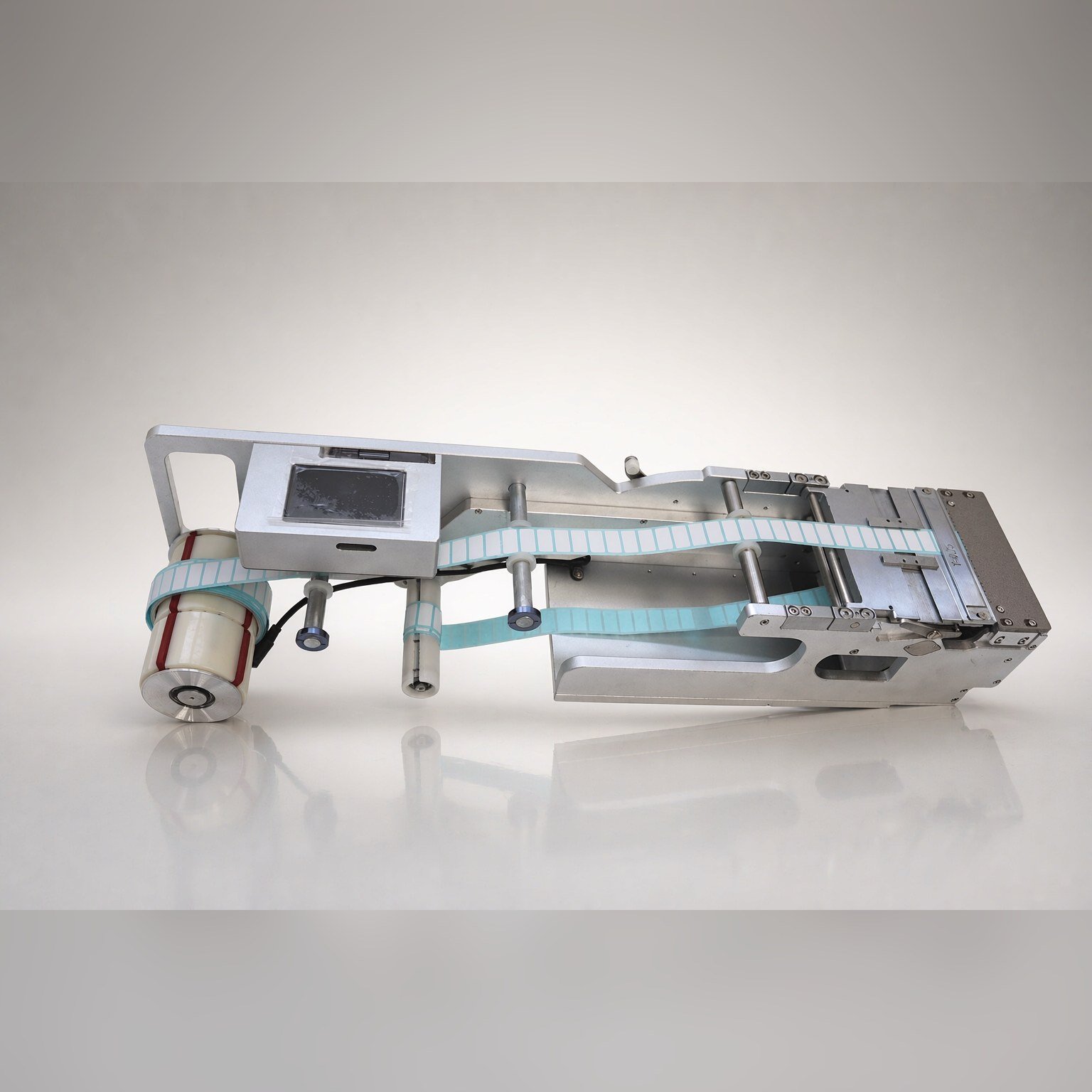
The touchscreen stage: how far and how fast to feed
Position-related settings on the touchscreen:
| Setting item | Function | Field value criterion |
|---|---|---|
| Working mode | Auto = production, Manual = loading and changeover | Switch to Auto during production |
| Feed position | Adjusts the feed distance | Increase if it does not reach the pick position; if the label lifts or overshoots, the value is too large |
| Feed speed | Adjust only after peeling is clean | Set 30 to 50 when not chasing placement speed |
| Feed delay | After feeding one label, wait a period before feeding the next, unit 0.1 s | Add delay when the nozzle picks slowly and feeding is somewhat fast |
There is an order to adjustment: first make peeling clean, then adjust feed speed; once speed changes, feed position must be fine-tuned accordingly. Doing it the other way—adjusting position first and then changing speed—means doing the work twice for nothing.
Which comes first, fiber or touchscreen
One common misjudgment on site is mistaking an inaccurate fiber judgment for a poorly adjusted position. When the fiber judges material present as no material, the feeder feeds early, labels pile up outside the pick position, and it looks like “overshooting”; when no material is judged as material present, the nozzle picks at an empty position, and it looks like “undershooting.”
So whenever position is unstable, first run one piece with material and one without past the fiber, confirm the light changes match the criterion, then return to the touchscreen to adjust values. This step takes less than two minutes and can save a whole round of repeated parameter tuning.
Manual mode is for loading, changeover, and position fine-tuning
In manual mode the feeder stops feeding, for loading and re-threading; the feed key feeds once, and the forward and backward keys move the reel forward or backward a small step. In auto mode, the forward and backward keys change to adding to or subtracting from the feed position value, which is the convenient way to fine-tune position on site.
The production count is the count after each row of labels is fed, and a long press can clear it. Compare the actual output count against the placement count in the program by shift; if the two numbers do not match, check the feeding stage.
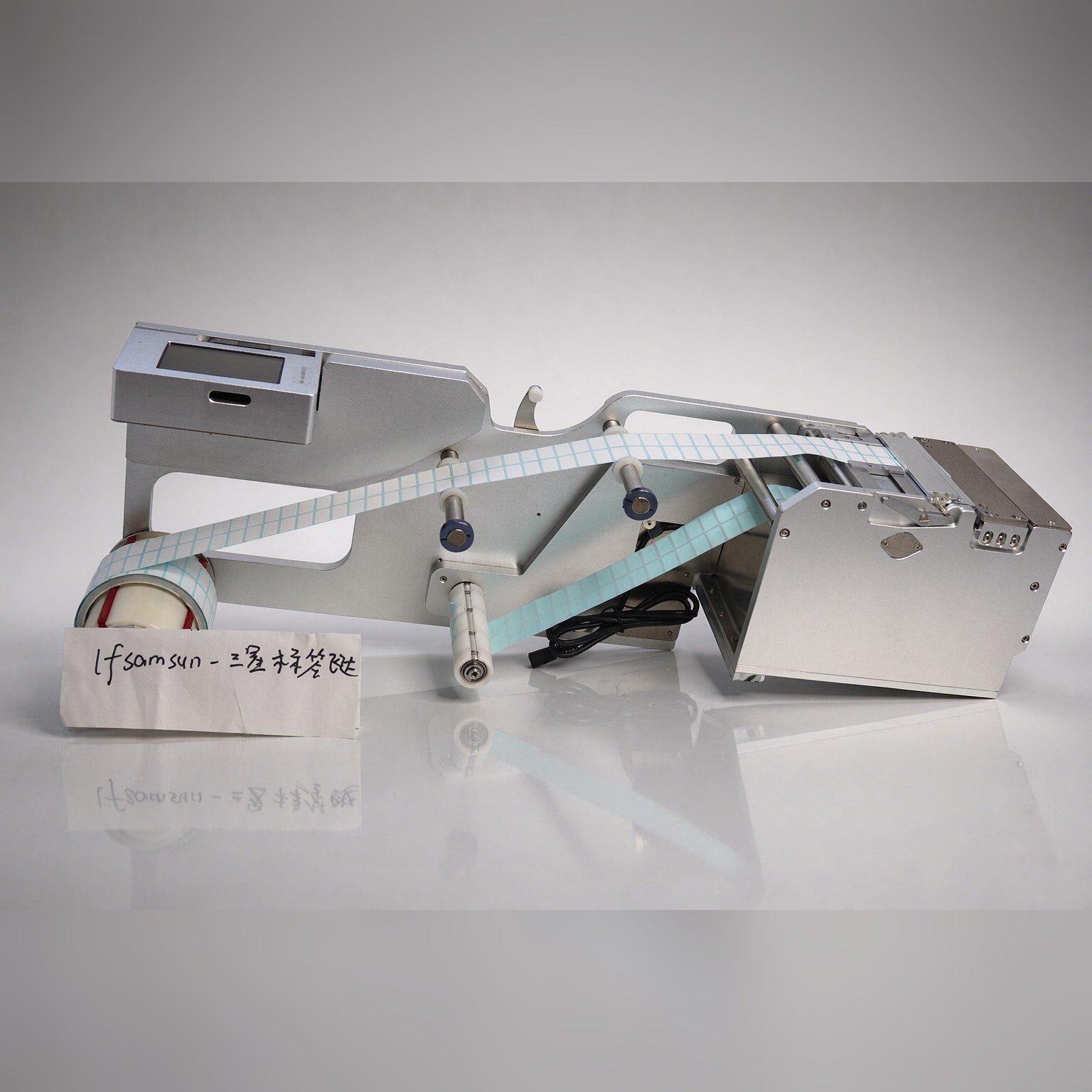
What to reset after a changeover
Changeover is a high-incidence point for position drift, and the reset order is fixed:
- First confirm the incoming material spec has not changed, and the tape width and backing paper material are consistent;
- Re-match the fiber working setpoint once; backing paper from different batches transmits light differently, and the sensing reading will change;
- Confirm the guide width-limiting block and the pressing piece are still pressing in the correct position;
- Clear the production count to avoid mixing it with the previous batch.
When position drifts, check in this order
- Does not reach the pick position: first check whether the fiber judges material present as no material, then check the feed position value;
- Overshoots, label lifts: feed position is too large, or feed speed is too high;
- Drifts occasionally: first swap in a different reel for comparison, confirm whether it is incoming material fluctuation, then touch the parameters.
Do not reverse the tuning order: fiber first, then feed position, then feed speed, then feed delay.
Among these three types of deviation, the first two mostly come from parameters, and the effect can be seen on the spot after changing the values; the third is more like short-term fluctuation in incoming material or environment, so do not rush to change parameters—swap in a different reel for one comparison before deciding.
Bring these three numbers when reporting to us
For field issues such as the fiber failing to judge material, labels not reaching position, and occasional position drift, three numbers are enough to locate the problem—tape width, difficulty of backing paper peeling, and feed cycle requirement. For models and parameter criteria see label feeder; the corresponding model for the Siemens (ASM) D series platform is LFSID-100, and for wiring and signal criteria see how to wire a label feeder into a placement machine.